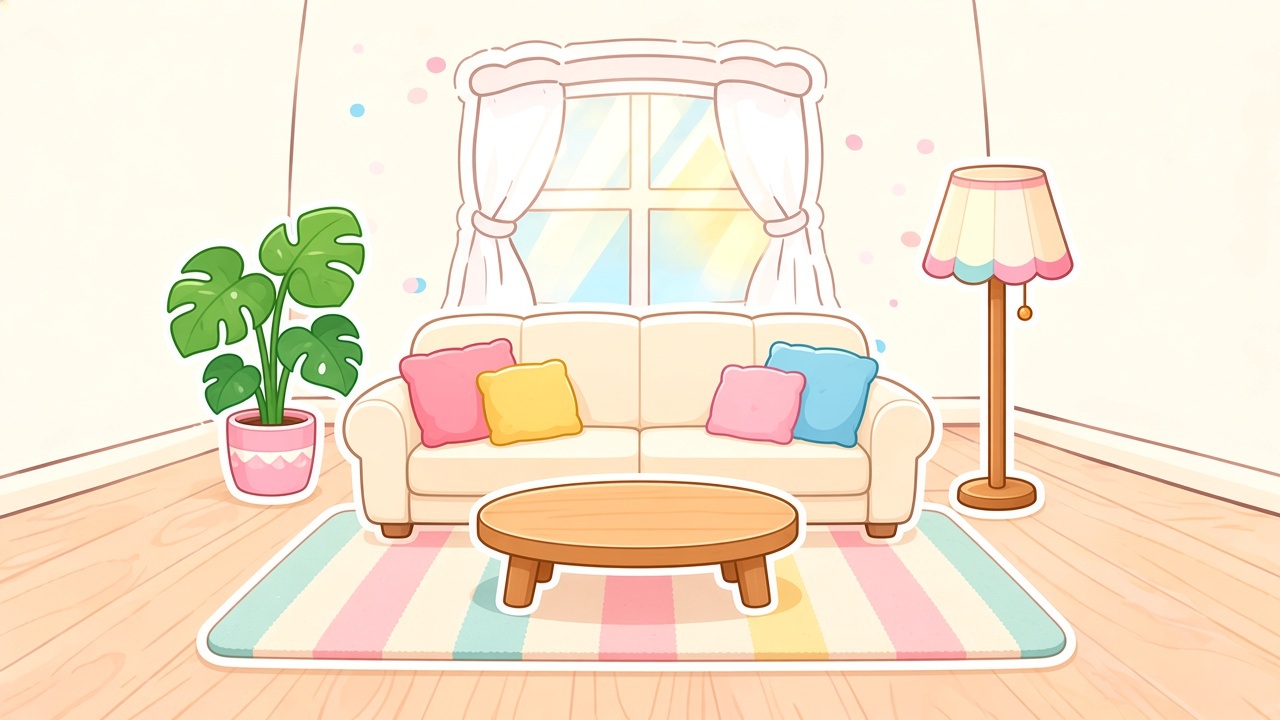
Plan Studio canvas
A zoomable room plane with sticker selection, resize chips, and delete — made for arranging décor, not outfit calendars.
Thassa
Pick a backdrop, drop furniture stickers, and keep every look on your iPhone — no account, no cloud closet.
Scene tray
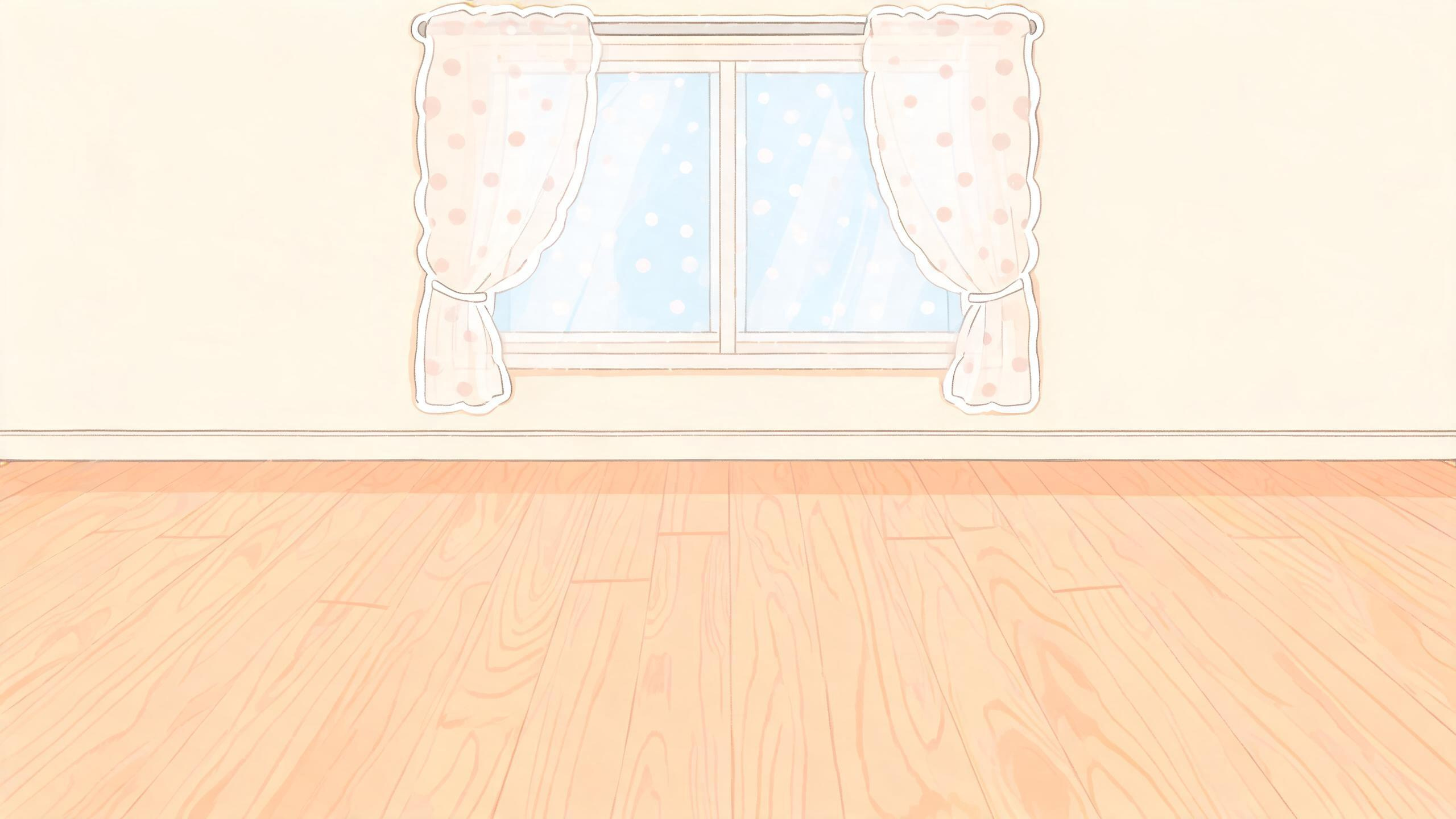
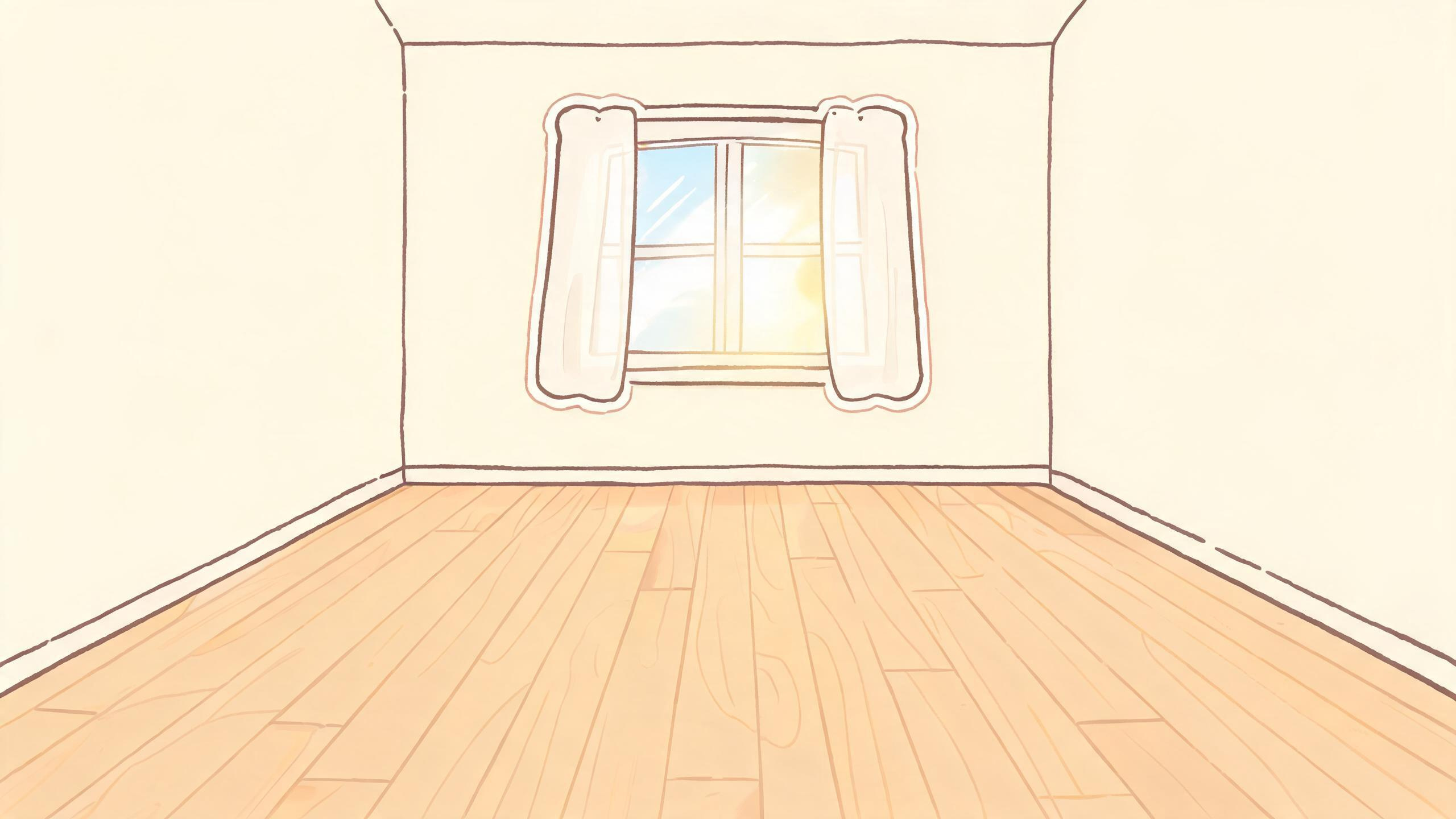
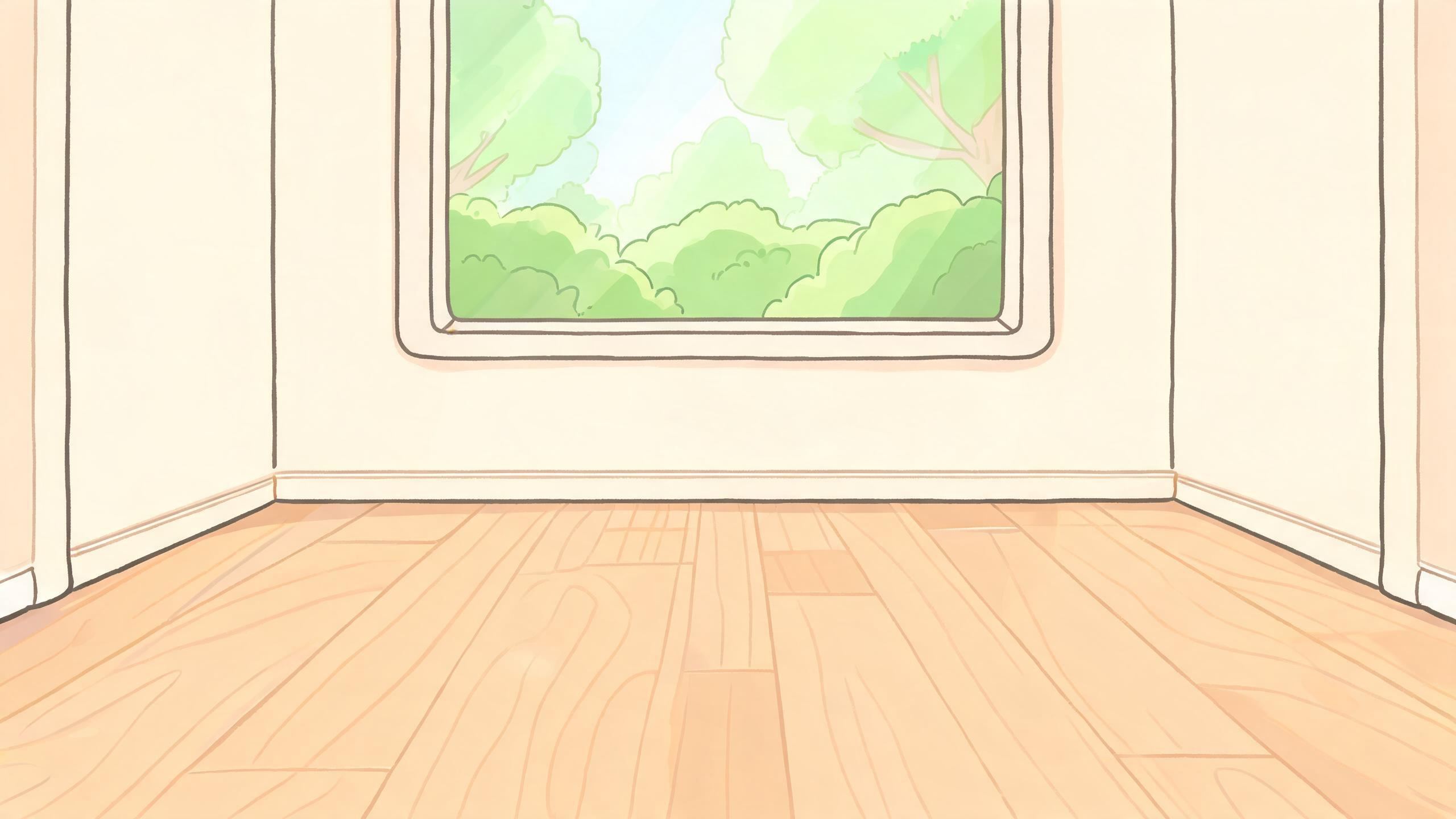
How Thassa moves
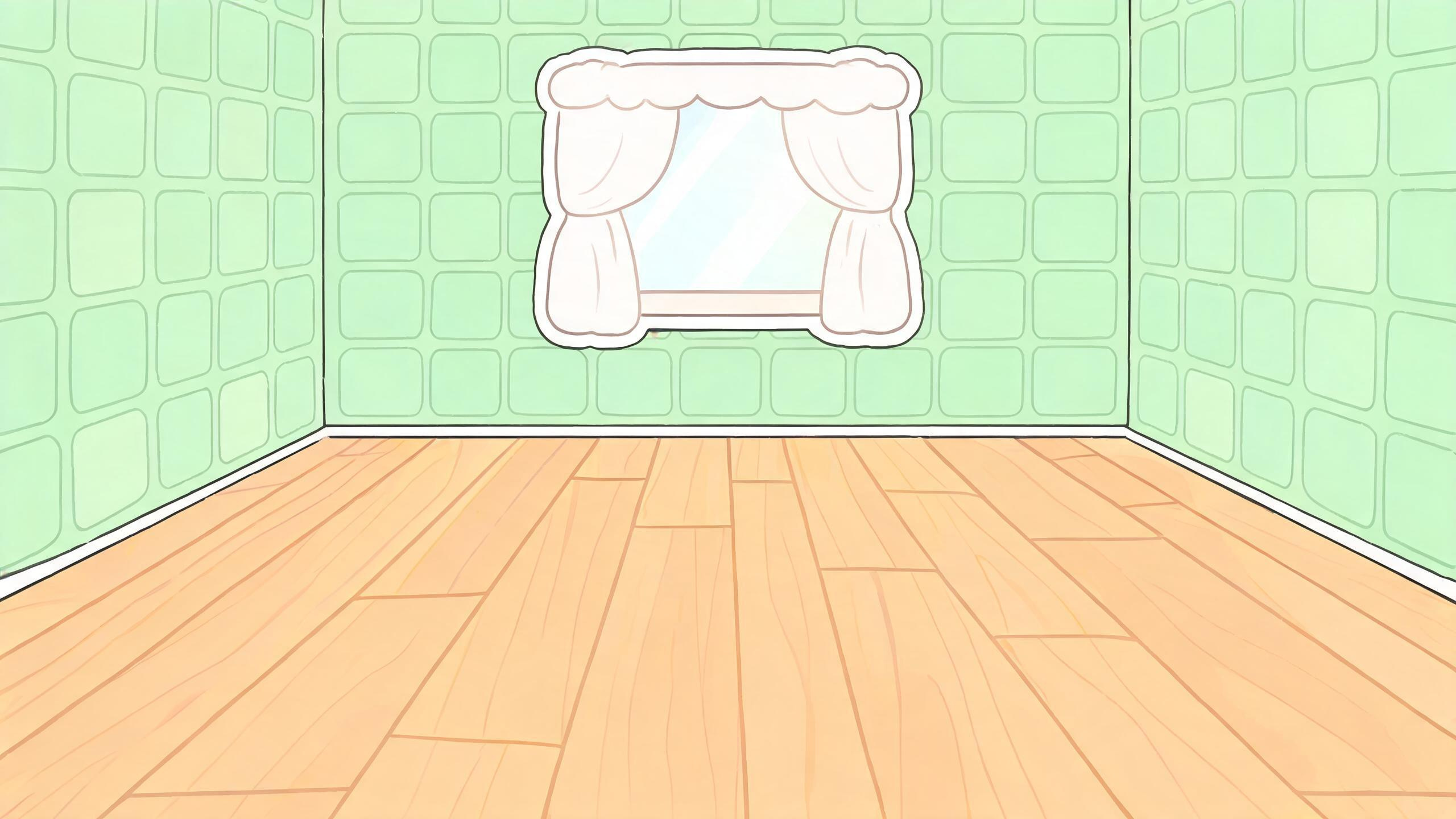
Browse cozy backdrops — living, sleep, cook, bath, study, kids, outdoor, and entry — then open Plan Studio on a fresh draft.
Drop furniture stickers onto the canvas. Drag, rotate, and resize until the room feels settled. Pinch to zoom, pan freely, clear when you want a blank slate.
Save a PNG into My Looks. Reopen drafts from Home, preview exports, and tidy ones you no longer need — all on this device.
Inside Plan Studio
A zoomable room plane with sticker selection, resize chips, and delete — made for arranging décor, not outfit calendars.
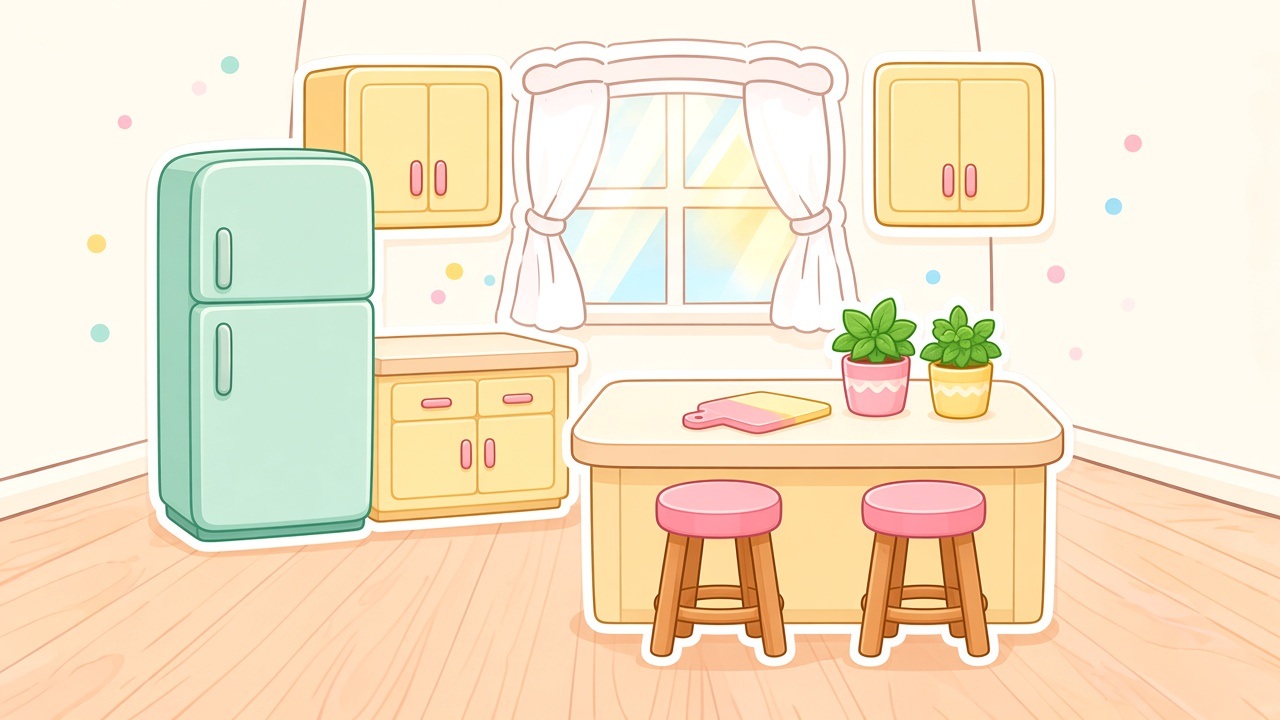
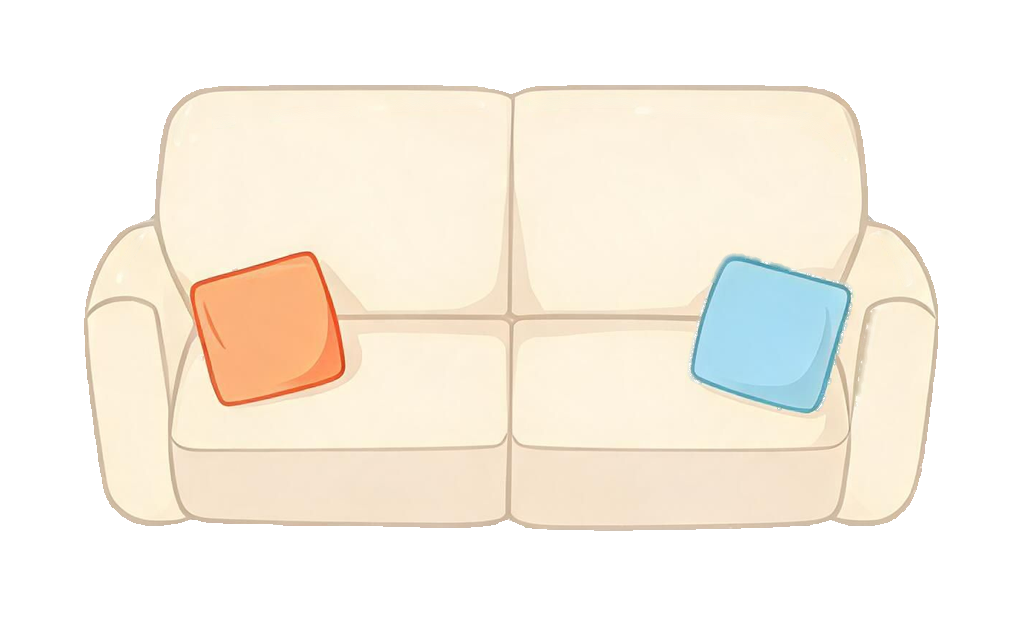
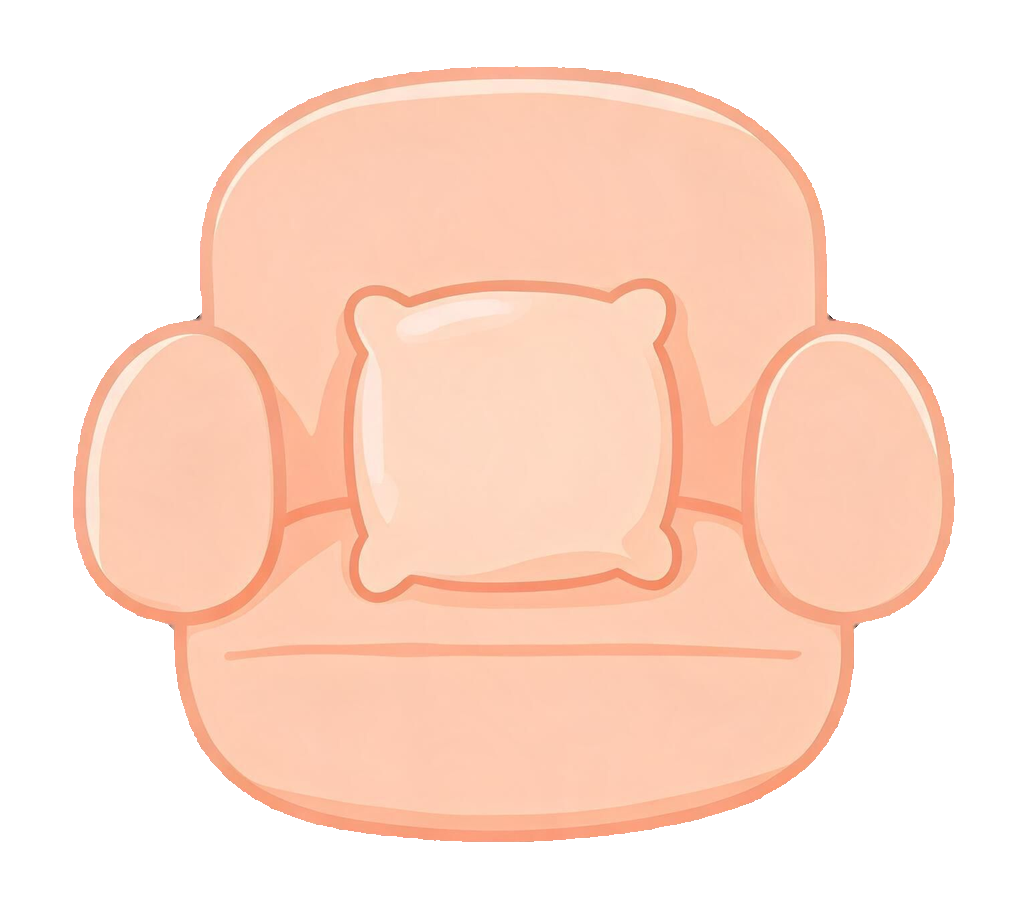
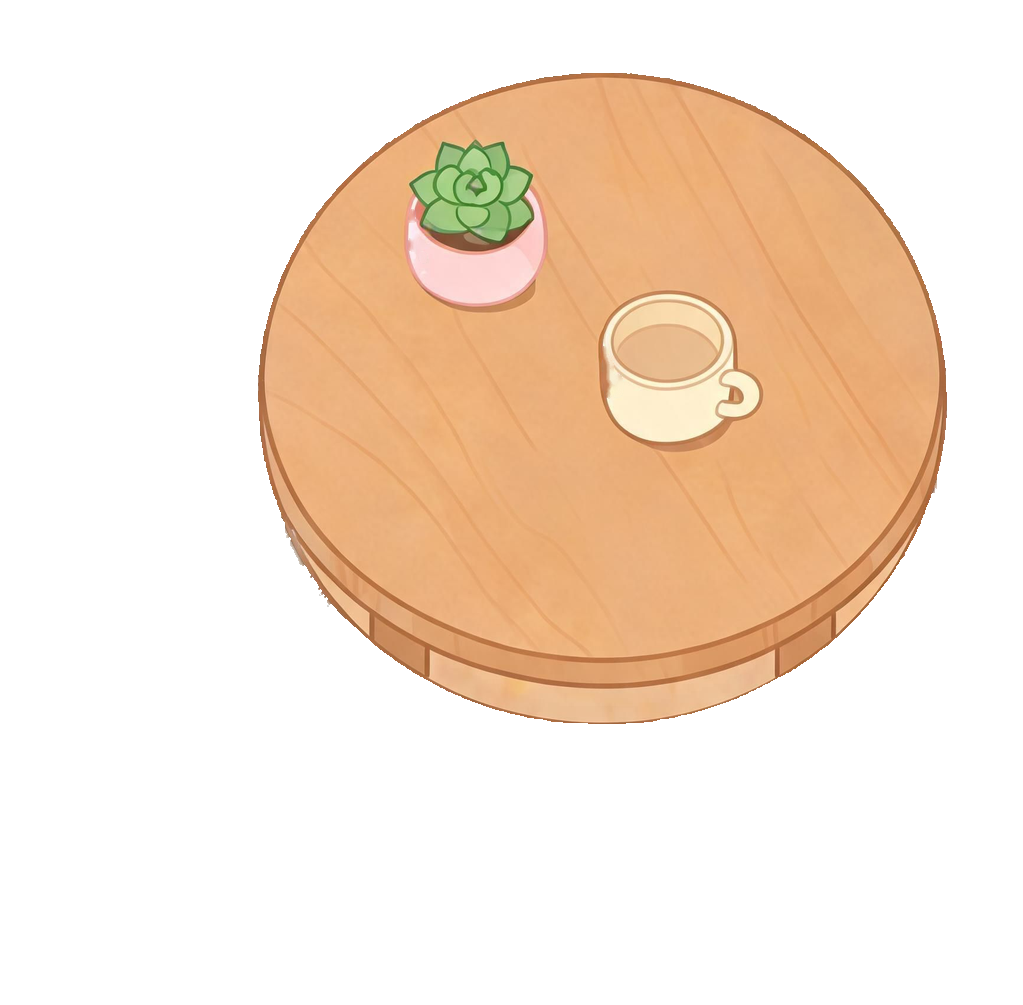
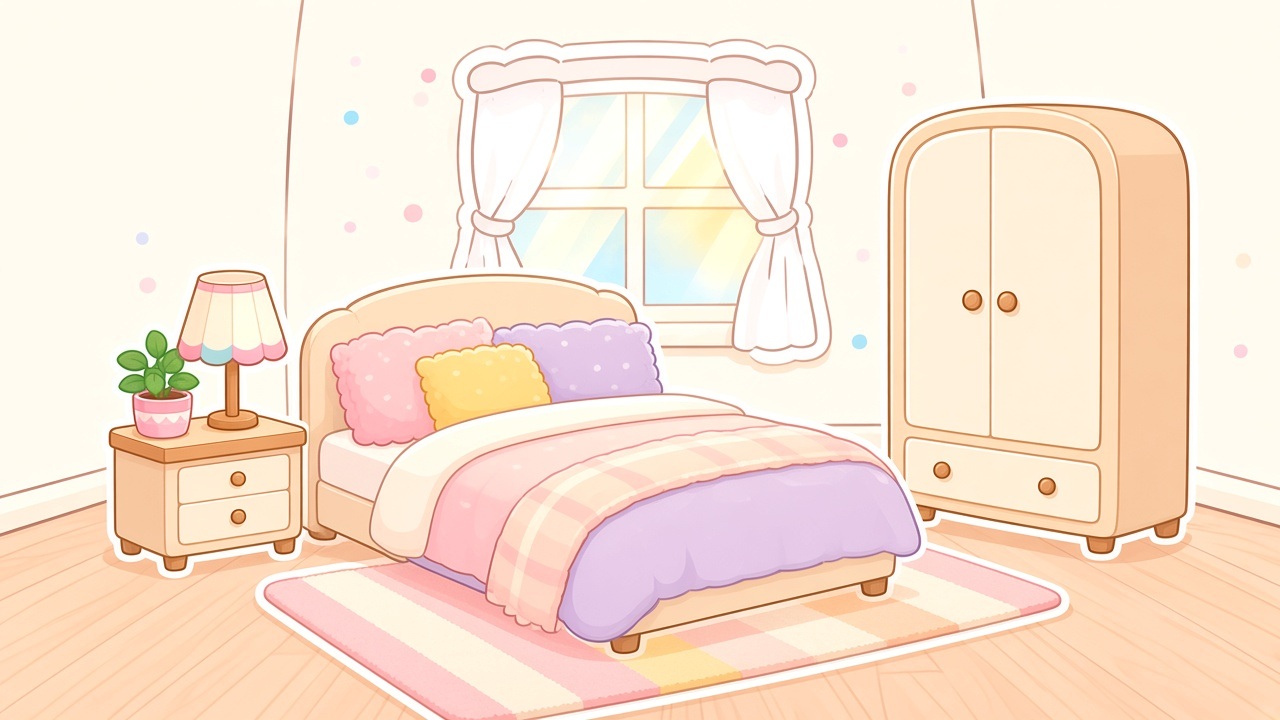
Living, bedroom, kitchen, bath, plants, and doors — free starters plus unlockable pieces you open with Coins.
Exports live in a local shelf on your iPhone. Preview, keep, or clear — no sync account required to decorate.
What stays different
Unlock premium stickers and room scenes with Coins from Coin Harbor — paced decorating, not AI photo cleanup.
Membership covers layout actions and premium features while active. Manage renewals in Apple settings.
Your current room draft and My Looks stay in the app sandbox. Decorate offline once the scenes are on device.
Thassa is sticker dress-up for rooms — no clothing snaps, no virtual try-on, no weather stylist on your home screen.
Shop Harbor
Starter
Top up Coins for stickers, rooms, and saves when a piece is locked.
Membership
Weekly to yearly passes for free layout actions while your membership is active.
Quiet answers
No. Open the app and start a room draft right away. Looks stay on this iPhone unless you export them yourself.
Drafts and My Looks are stored locally in the app sandbox. Thassa is built for on-device play, not a cloud wardrobe.
Coins unlock stickers and scenes. Room Pass is an optional membership that covers layout actions and premium features while active — it does not grant Coins.
No. Thassa is a sticker room dress-up studio — furniture stickers on cozy backdrops, arranged by hand on a canvas.
Thassa